Hello Friends here is a new trick for PC Users using Your–Freedom To use Airtel
free GPRS. But the greatest advantage is that you can use it on 2G As
well as 3G.
First Of All Download Your-Freedom Client http://your-freedom.net/index.php?id=downloads Then Register A Your Freedom Account http://www.your-freedom.net/index.php?id=170&L=0
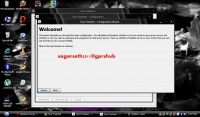
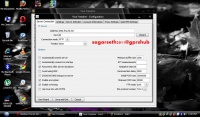
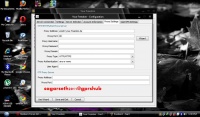
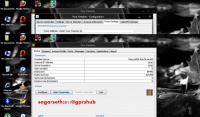
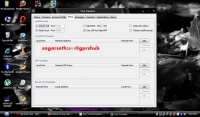
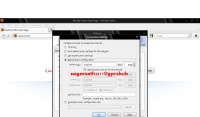
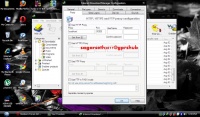
Now Install Your-Freedom On Your PC/Laptop After Installing Connect Your PC To Airtel Internet with the below settings AccessPoint : airtelgprs.com Now Open Your-Freedom. It will start the wizard and it searches for available servers. Cancel that process. Now click on Configure Now , Go To Server Selection , In Address Type z006.fma.fb.me or 0.facebook.com or any free site and port 80 select Connection Type As HTTP Now Navigate To The Account Settings Tab And Enter Your-Freedom Account Details Now Navigate To The Proxy Settings Tab And There Enter as Follows ems02.your-freedom.de and Put Proxy Port As 80 ems04.your-freedom.de and Put Proxy Port As 80 ems05.your-freedom.de and Put Proxy Port As 80 ems07.your-freedom.de and Put Proxy Port As 80 ems10.your-freedom.de and Put Proxy Port As 80 Click On Save And Exit Click On Start Connection. You will get connected. Now click on ports tab and tick webproxy and socks 4/5 Now put Firefox and idm On Proxy localhost and put port as 8080 Or if you are using an Instant Messenger like Nimbuzz use 127.0.0.1 and put the port as 1080 balance should be less tha 10 paisa.